
The mixed-floor home
Buying guide / 10 October 2026
Buying a Robot Vacuum for Mixed Carpet and Hard Floors
A robot that keeps wet mop pads off a rug has solved one problem. Whether it can clean that rug, and whether your flooring allows its cleaning method, are separate questions.
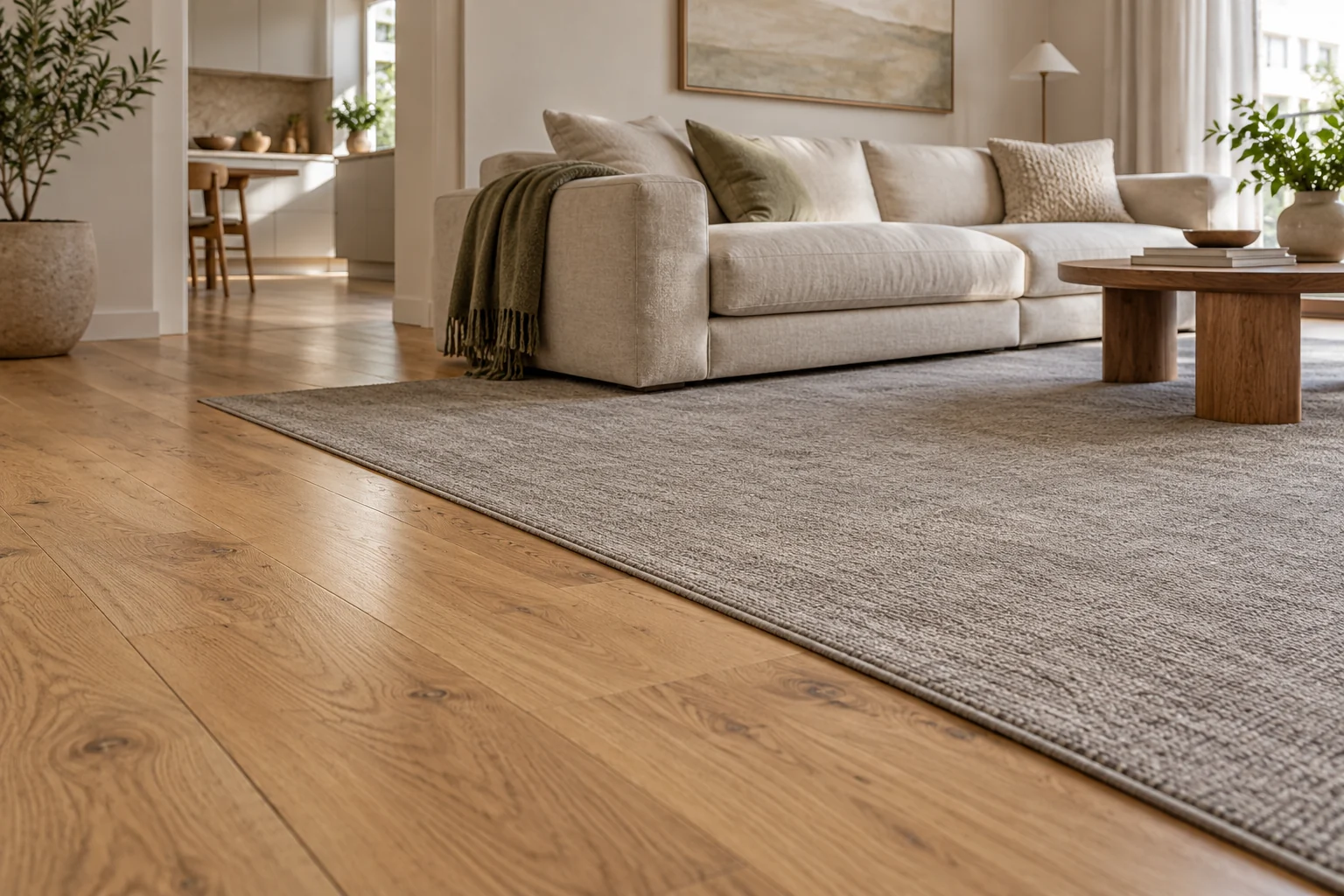
The awkward part of a mixed-floor home is often the journey between surfaces. The robot leaves the kitchen with damp pads, crosses a hallway rug, then reaches carpet that needs a different kind of cleaning. A specification such as “automatic mop lifting” sounds like a neat answer to all of it.
It answers only part of the question. Before comparing robots, separate three decisions: what your floors permit, how the machine handles its mop pads around carpet, and how well it actually picks up dirt there. Use those checks to rule out unsuitable machines before comparing docks and prices.
Start with your flooring’s care instructions
Find the care instructions for the carpet and hard flooring you own. If you cannot identify them, ask the installer, manufacturer or flooring supplier before choosing a cleaning method.
This matters particularly with carpet construction. Godfrey Hirst recommends suction-only vacuuming, without a rotating brush, for loop pile and long pile carpets, including cut-and-loop and Berber styles. Its guidance differs for other constructions, and thick, soft cut pile may require adjustments to vacuum height or suction.1 A robot’s carpet detection does not settle whether its brush is appropriate for your carpet.
“Vacuum only” is also easy to misread. It commonly means that the machine is not mopping. It does not mean the rotating floor brush has stopped. The eufy X10 Pro Omni, for example, has a rolling brush as part of its vacuum system.2 Do not treat that mode as equivalent to a carpet maker’s suction-only instruction.
On hard floors, establish whether damp mopping is allowed and under what conditions. Timber, laminate, hybrid flooring and sealed tile should not be treated as one interchangeable surface. A water-level setting is a machine control, not approval from your flooring manufacturer.
Write down two things before shopping: the permitted vacuuming method for each carpet, and the permitted moisture treatment for each hard floor. If the answer excludes the robot’s brush or mopping method, a more expensive model will not resolve that mismatch.
Separate mop handling from carpet cleaning
There are three common ways to manage mop pads around carpet. They have different consequences for the cleaning route.
| Strategy | What the robot does | What you still need to check |
|---|---|---|
| Mop lifting | Keeps its mop pads attached and raises them when it encounters carpet. | The model’s carpet restrictions, the actual rug or pile, and whether the pads can remain clear along the route. |
| Mop removal at the dock | Leaves its mop pads at the dock before vacuuming carpet. | Whether the selected model and settings support removal, and how the robot sequences the job. |
| Carpet avoidance while mopping | Routes around carpet during a mopping job. | Whether it can still reach the hard-floor areas you want cleaned, and when carpet will be vacuumed separately. |
A lift figure is not a safe carpet-height rating.
The quoted movement describes the mop mechanism; it does not establish clearance over every rug, edge or uneven surface in your home. Read the accompanying restrictions rather than converting millimetres of lift into an assumed pile limit.
The X10 Pro Omni illustrates why those restrictions matter. eufy describes its 12 mm mop lift for low-pile carpet and recommends Carpet Avoidance for medium- and high-pile carpet. Its manual separately says to avoid high-pile carpets or rugs thicker than 18 mm.23 These instructions belong together. Selecting avoidance is not evidence that the machine can vacuum a thick rug successfully.
Removal is useful when you want the robot to vacuum carpet without carrying mop pads across it. It still leaves the brush-compatibility and dirt-pickup questions open. Avoidance is useful when keeping a wet cleaning job away from carpet takes priority, but a rug that divides two hard-floor areas may also divide the robot’s route.
Before buying, sketch a normal cleaning run. Mark the dock, hard floors, carpet, rugs and the passages between them. Then ask a practical question: can this robot complete that route using settings your flooring allows?
Look for carpet pickup evidence
Once the cleaning method and route make sense, look at independent testing. Carpet detection, mop lift and advertised suction do not tell you how much embedded dirt a robot will collect.
RTINGS’ tests show the distinction across three models with sophisticated mopping systems. Its assessment of the Roborock Saros 10R is much stronger on hard floors than on carpet, where fine debris and edges remain limitations. Its Dreame X50 Ultra review also identifies difficulty with fine debris around carpet edges. The eufy X10 Pro Omni’s carpet pickup is a particular weakness in its review.456
These are tested results, not a promise about your room. Carpet construction, debris and the test route all matter. They are nevertheless more useful for the carpet question than assuming a premium dock or a large suction number means strong performance on every surface.
Look for a review that distinguishes hard-floor pickup from carpet pickup and discusses the debris your household actually leaves behind. A general verdict can hide the trade-off you need to understand.
Mapping is another point to inspect. In its X50 Ultra test, RTINGS initially found that a high-pile area was not recognised correctly and manually marked it as carpet.5 That does not prove all units will behave the same way. It does show why an automatic map should be checked before relying on it for a wet cleaning run.
Three models, three different checks
The following models illustrate the decisions. They are not a ranking or a claim that one suits every mixed-floor home.
| Model | Why it is relevant | The check that matters |
|---|---|---|
| Roborock Saros 10R | Why it is relevant Roborock describes automatic removal of its spinning mop pads, with the function enabled in the app. | The check that matters Confirm the removal settings and route, then weigh its carpet pickup separately from its strong hard-floor performance. |
| Dreame X50 Ultra | Why it is relevant Dreame’s X50 documentation describes lifting and removing mop pads for different carpet tasks. | The check that matters Confirm those options for the Australian X50 Ultra you are buying. Global X50 Ultra Complete documentation does not establish identical Australian bundle contents or firmware. |
| eufy X10 Pro Omni | Why it is relevant eufy gives explicit guidance for mop lift on low-pile carpet and avoidance on medium- and high-pile carpet. | The check that matters Read the manual’s carpet limits and the independent pickup results before treating its mop handling as a complete carpet solution. |
Roborock’s global Saros 10R documentation supplies the removal detail; its Australian store identifies the locally offered product. Dreame’s Australian listing and global X50 Ultra Complete page need to be read with the regional distinction intact. eufy’s carpet guidance and manual supply the X10 restrictions.2378910
Prices also make these different purchases. On 10 October 2026, the Australian pages showed the Saros 10R at A$1,449 on promotion, against a displayed A$2,899 price, with preorder shipping stated for mid-October. Dreame listed the X50 Ultra at A$2,999 with an add-to-cart option. eufy listed the X10 Pro Omni at A$1,699.95 with “Notify Me”, so immediate purchase availability was not established.8911
Treat those figures as a dated comparison. Recheck price, stock, exact model and included accessories before ordering. A sale narrows the upfront price gap; it does not change the cleaning method your carpet permits.
Decide how much automation you need
The most useful upgrade is the one that removes a specific interruption in your cleaning routine.
If you have compatible low-pile rugs surrounded by hard flooring, mop lifting may let one job move between surfaces conveniently. The decision still depends on the model’s restrictions and the route. If carpet is extensive, carpet pickup deserves more weight than the sophistication of the mop-washing dock.
If damp pads must stay away from a carpeted passage, removal at the dock may be worth comparing closely. Confirm whether removal is automatic for the job you want, whether you must enable it, and whether the machine will return to collect the pads for the hard-floor stage. Read the actual operating sequence rather than buying from the feature name.
If only one area needs mopping, a separate vacuum run and a restricted hard-floor mopping zone may be sufficient. You do not have to make every surface part of one automated job. Keeping a conventional vacuum for a carpet the robot cannot properly or appropriately clean can be a sensible division of work.
Budget for that division honestly. A robot can reduce routine floor cleaning while leaving some carpet work with you. It is less useful to pay for maximum automation and discover that its central cleaning method conflicts with the floor you were trying to maintain.
Make the first run a controlled check
After setup, inspect the map and carpet labels before starting a combined job. Apply the permitted cleaning modes and any exclusion areas, then supervise the first route while the robot moves between surfaces.
Check the transitions you identified before purchase: a rug edge, the passage to another room, and the route back to the dock. Confirm the selected mop strategy is actually happening. Inspect the carpet and the hard floor afterwards. A robot completing its route is not, by itself, evidence of satisfactory cleaning.
If detection or clearance does not match the intended route, stop the combined job and use a more restricted mode while you check the instructions or seek support. Do not use a valuable rug as an experiment in how much moisture it can tolerate.
Keep the Australian purchase details and relevant support information. Manufacturer warranties sit alongside Australian consumer guarantees; the latter are not simply limited to the stated warranty period.12 Neither replaces the need to choose and operate a machine in line with your flooring’s care requirements.
Before checkout, put the exact model beside your floor-care instructions and route sketch. If you cannot establish brush compatibility or a workable mop strategy, resolve that question with the supplier first. If the remaining weakness is carpet pickup, budget for the conventional vacuum you will still need.
Editorial note
This guide draws on manufacturer documentation and independent published testing. Meleus & Mosman has not tested these robots. Prices and availability were checked on 10 October 2026. Product links are ordinary source links, with no affiliate tracking added.
Sources & references
12 sources
- 01 ↗Godfrey HirstSupport and carpet care guidance↩
- 02 ↗↩
- 03 ↗↩
- 04 ↗↩
- 05 ↗RTINGSDreame X50 Ultra review↩
- 06 ↗RTINGSeufy X10 Pro Omni review↩
- 07 ↗RoborockSaros 10R product documentation↩
- 08 ↗Roborock Australia storeSaros 10R↩
- 09 ↗Dreame AustraliaX50 Ultra↩
- 10 ↗↩
- 11 ↗eufy AustraliaX10 Pro Omni↩
- 12 ↗Australian Competition and Consumer CommissionConsumer rights and guarantees↩